
PaperDieline does not collect personal data. Content you create is stored on your device.
If you email us, we use your message only to respond.
Effective date: November 11, 2026.
Contact: zbigniewkowalczykwork@gmail.com
Garden pond studio
Sketch pond outlines, depth zones, and build plans before dig day.
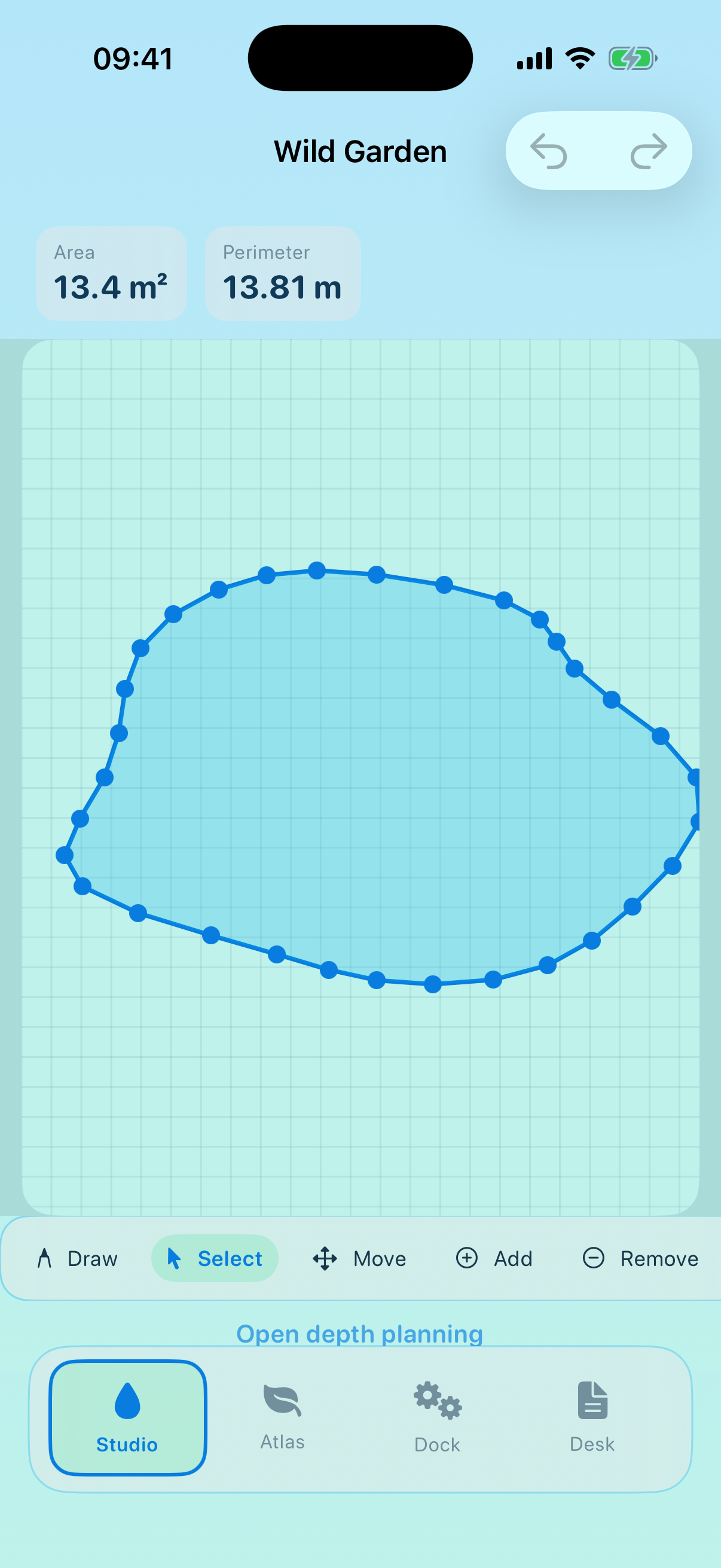
Practical steps from first outline to materials on hand.
Sketch pond outlines with precision tools and live measurements as you draw.
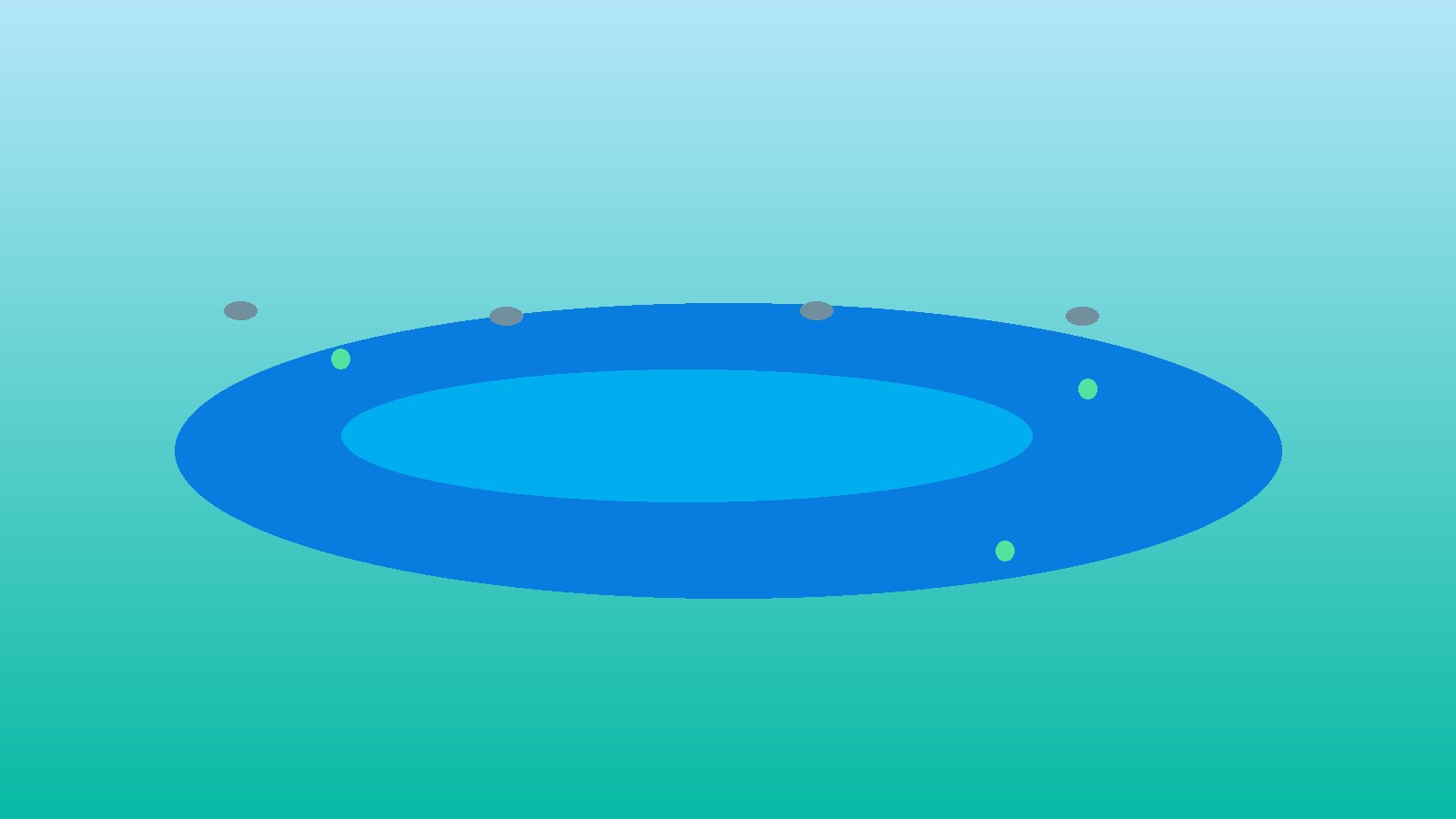
Stack depth zones and see how volume and liner needs respond to each change.
Place shoreline plants, route flow paths, and plan equipment for the garden.
Track materials, budget, and build steps so the plan stays clear until dig day.
Shape, depth, and home workspace views from the app.
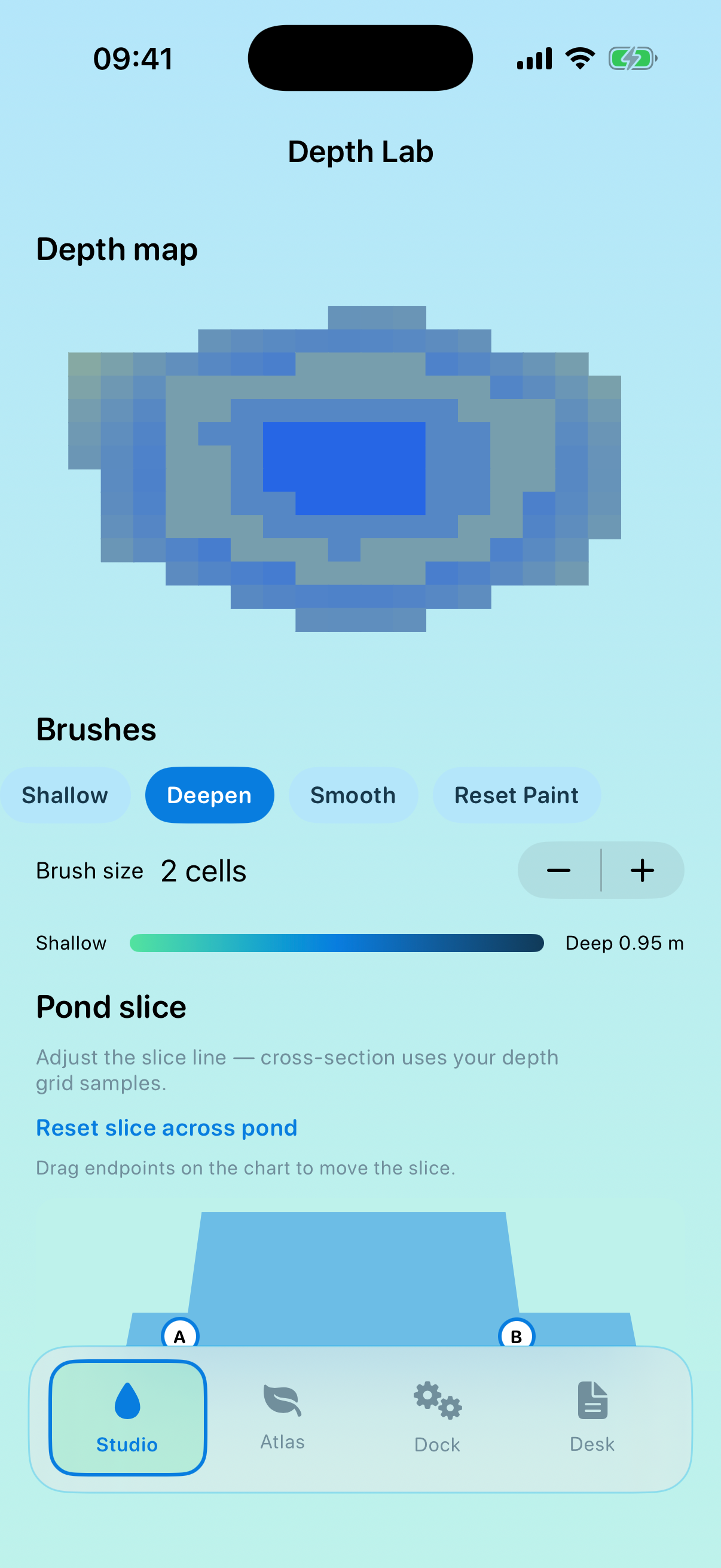
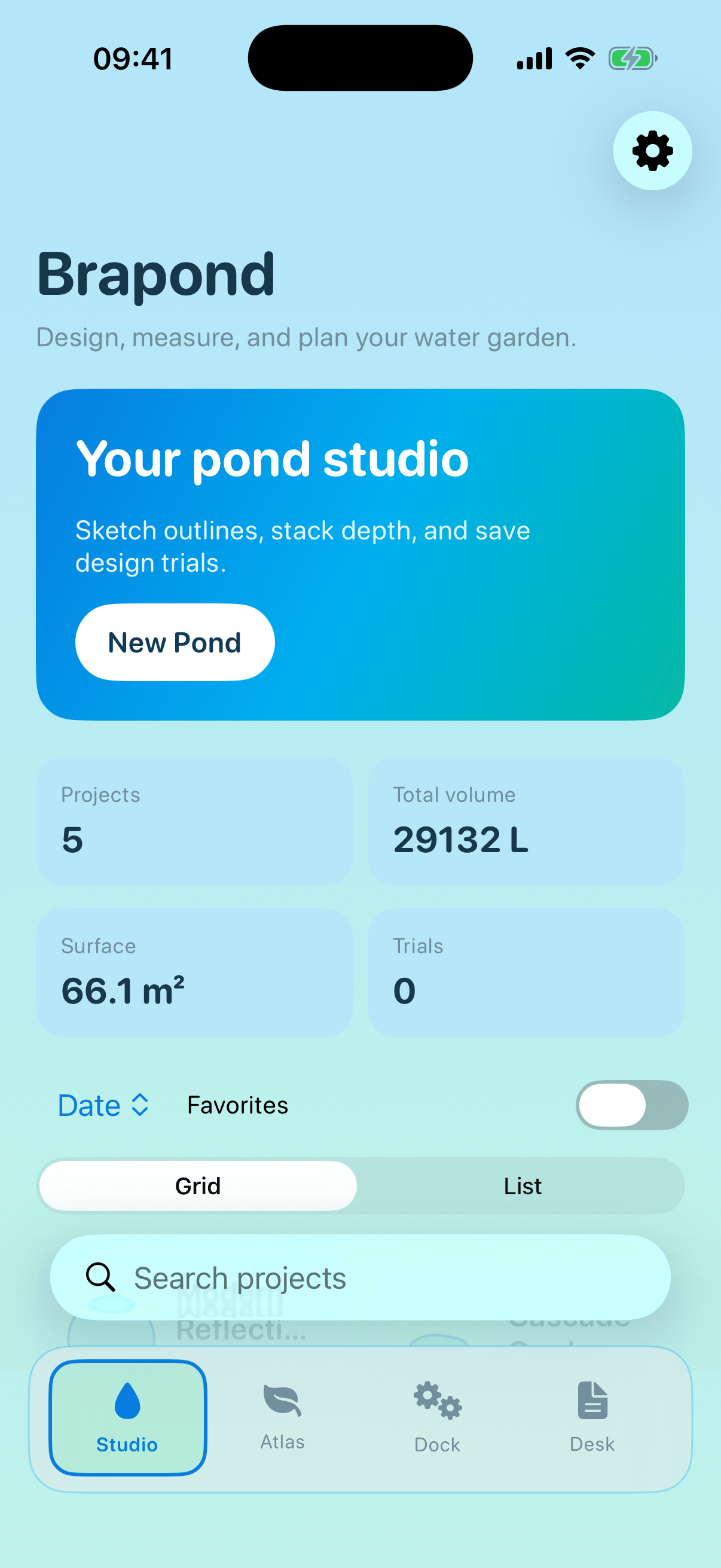
PaperDieline helps plan pond geometry, depth, plants, and materials. Volume and liner figures are estimates from your outline and depth model.
PaperDieline does not collect personal data. Content you create is stored on your device.
If you email us, we use your message only to respond.
Effective date: November 11, 2026.
Contact: zbigniewkowalczykwork@gmail.com